
How to Choose EMS Software
Choosing EMS software starts with the problems your agency needs to solve. A long feature list matters less than whether your team can use the system to keep staffing, qualifications and operational information organized. Use this guide to compare your options and build a demonstration around your agency's actual work.
Identify your biggest operational challenges
Ask administrators, supervisors and field employees where work slows down. You will hear patterns. Open shifts create repeated calls and messages. Certifications and training records sit in separate systems. Vehicle checks and equipment issues are hard to follow up on. Someone enters the same information twice, or builds a report by hand in a spreadsheet.
Choose your top priorities, and separate the launch requirements from the features you may want later.
Decide which workflows should connect
Think about how information needs to move between functions. Should certification requirements affect shift eligibility? Should timecards connect to scheduled shifts? Should vehicle checks connect to vehicle records, and should employee documents and training records sit alongside personnel information?
Then ask providers to demonstrate those connections. Do not accept a simple confirmation that each feature exists.
Compare EMS software capabilities using your requirements
Build your comparison around the areas below, and write down what you will check in each.
- Scheduling: rotations, role requirements, pickups, trades, availability and time off.
- Certifications: records, expiration dates, reminders and qualification validation.
- Education: assignments, assessments, training hours and completion reporting.
- Personnel: employee records, documents, onboarding and access permissions.
- Timekeeping: punch methods, review processes and payroll exports.
- Operations: fleet records, checksheets, inventory, assets and forms.
- Reporting: filters, exports, scheduled delivery and access controls.
- Mobile access: the specific employee and administrator tasks available on mobile.
Request a demonstration using real scenarios
Give each provider the same examples, so you can compare how the systems behave. Ask them to show how to fill an open shift that requires a specific qualification, review a time-off request and its effect on coverage, and identify employees with outstanding training. Ask them to follow up on a flagged vehicle check and prepare time information for your payroll platform.
Have the people who perform these tasks sit in on the demonstration. And ask what happens when something goes wrong, such as an expired certification, an incomplete submission or an unavailable approver. The answer tells you more than the polished path does.
Review implementation and support
Before you choose a platform, clarify who helps configure your account, which records can be imported and what your team must prepare. Ask how the vendor trains administrators and employees, who supports you after launch and how the implementation schedule fits your deadlines.
Confirm these details in the proposal or the implementation plan.
Compare the full cost
Look past the subscription price. Ask about setup, implementation, data imports, training, support, integrations, custom exports, course content and optional services. Clarify contract terms and how you can retrieve your information if your needs change.
Ask how the vendor documents security, permissions, backups and data handling, too.
Your EMS software buyer's checklist
Ten points to settle before you sign:
- Define your highest-priority problems.
- Identify the workflows that need to connect.
- Include administrators and field users in evaluation.
- Demonstrate realistic scenarios.
- Confirm mobile functionality.
- Review reporting and payroll export requirements.
- Understand implementation responsibilities.
- Compare total costs and contract terms.
- Review security and data-access information.
- Establish what success should look like after launch.
Illustrative example: scoring three options
List your must-haves, for example certification-based shift pickup, mobile check sheets and payroll export. Score each option from 0–2 on every requirement during the demo, using your own scenarios rather than the vendor's script.
Weight scheduling and certifications highest if those cause the most daily work today. And use the Workforce Readiness Check to identify which areas matter most before you book demos.
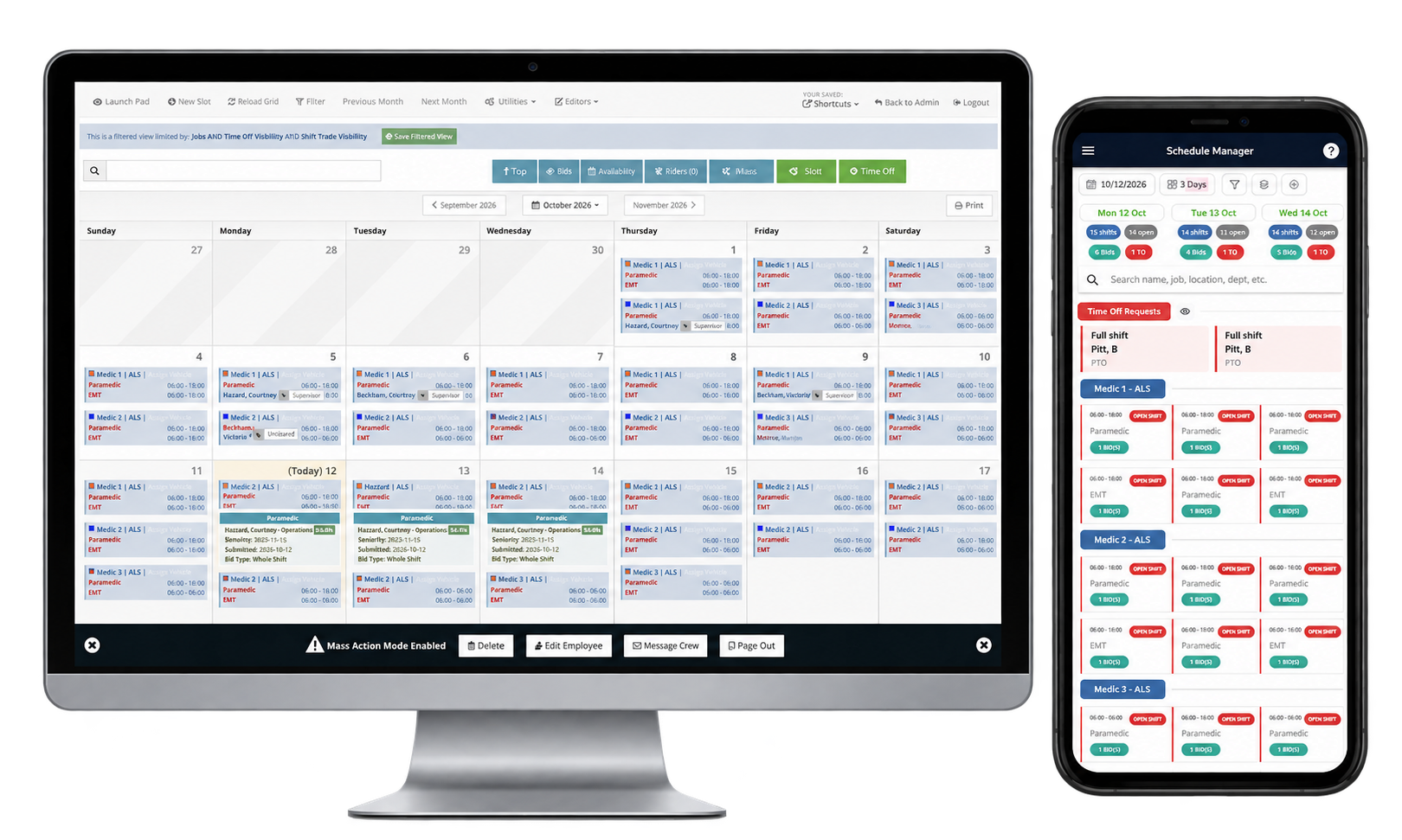
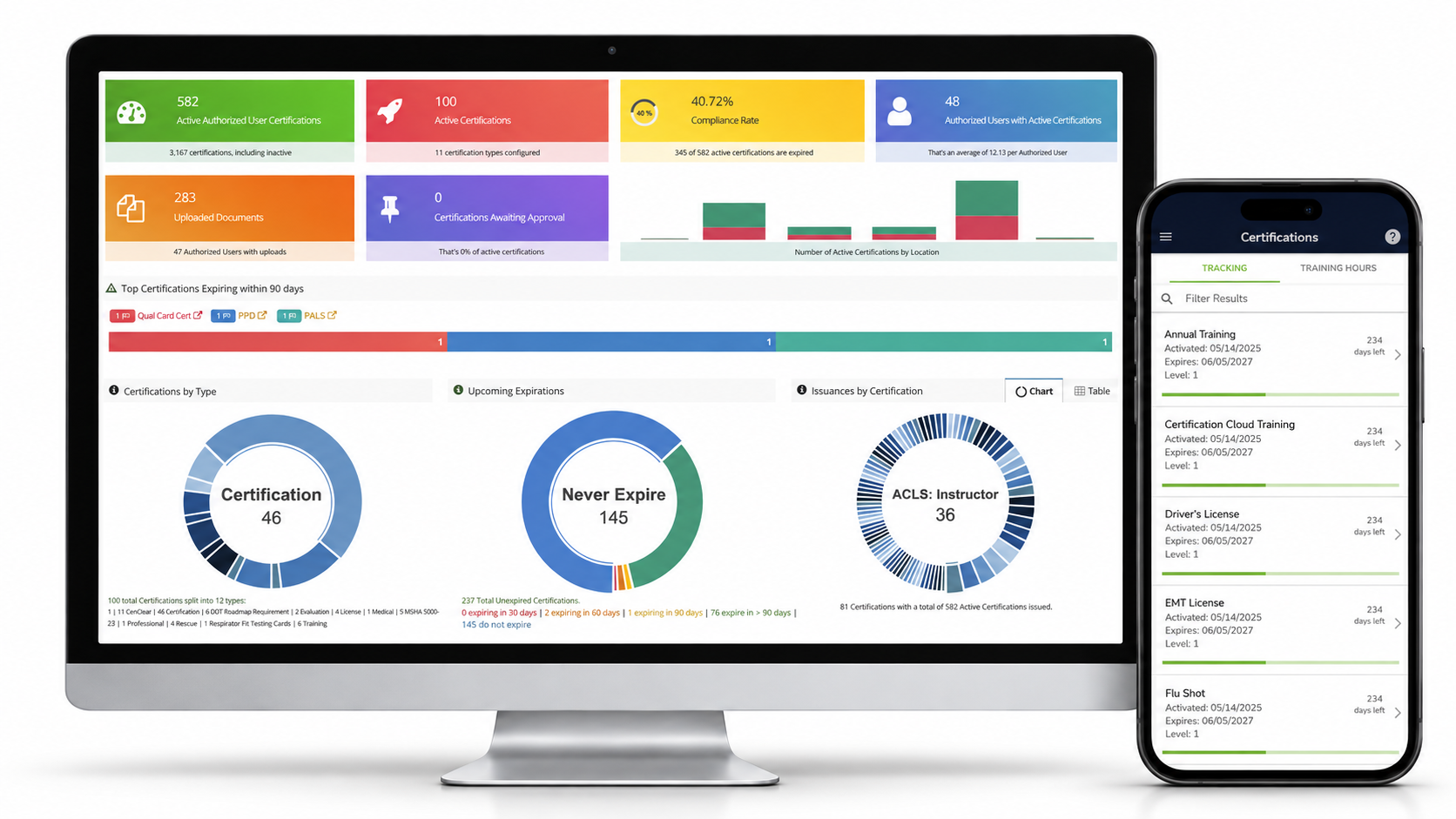
VAIRKKO connects scheduling, education, certifications, personnel, timekeeping, fleet, inventory, assets, forms and policies. Your trainer helps with setup, and a dedicated account representative provides ongoing support and training after implementation. There are no implementation or setup fees. Custom exports and add-on prebuilt courses are available at an additional cost. See how VAIRKKO fits your agency's workflows. Book a personalized demo.